Currently Alpha

Proximity voice chat for PC games.

A lightweight desktop companion for voice chat during games. Integrates with small (4–12 player) peer-to-peer multiplayer games to add serverless multiplayer and proximity chat.

Windows 10/11 Tiny App MIT SDK

Proximity voice chat and serverless multiplayer for PC games, in an app that doesn't eat your frame rate.

Low footprint
An app with low resource usage so you can use it while gaming. Use Task Manager to see how it compares to your favorite apps.
Ship multiplayer today
Piggy-back on the existing peer connection with the ProximPeer SDK. Proxim handles the work of the initial connection so games don't need to.
Dialled-in before kickoff
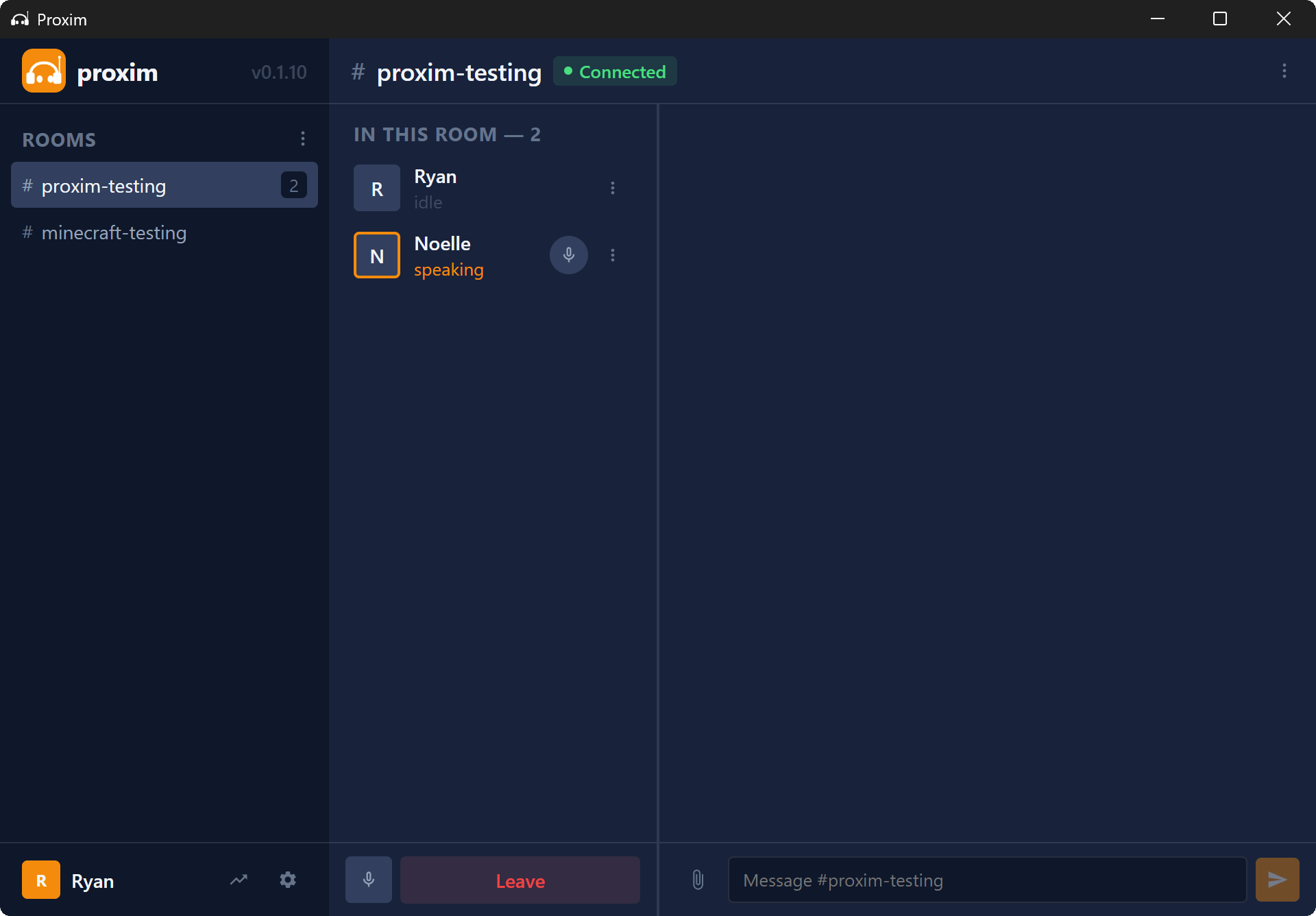
Mic levels, output device, and player audio are set in the tray before the game even launches. No more adjusting audio settings in the middle of the game.
In the app

Lives in your system tray.

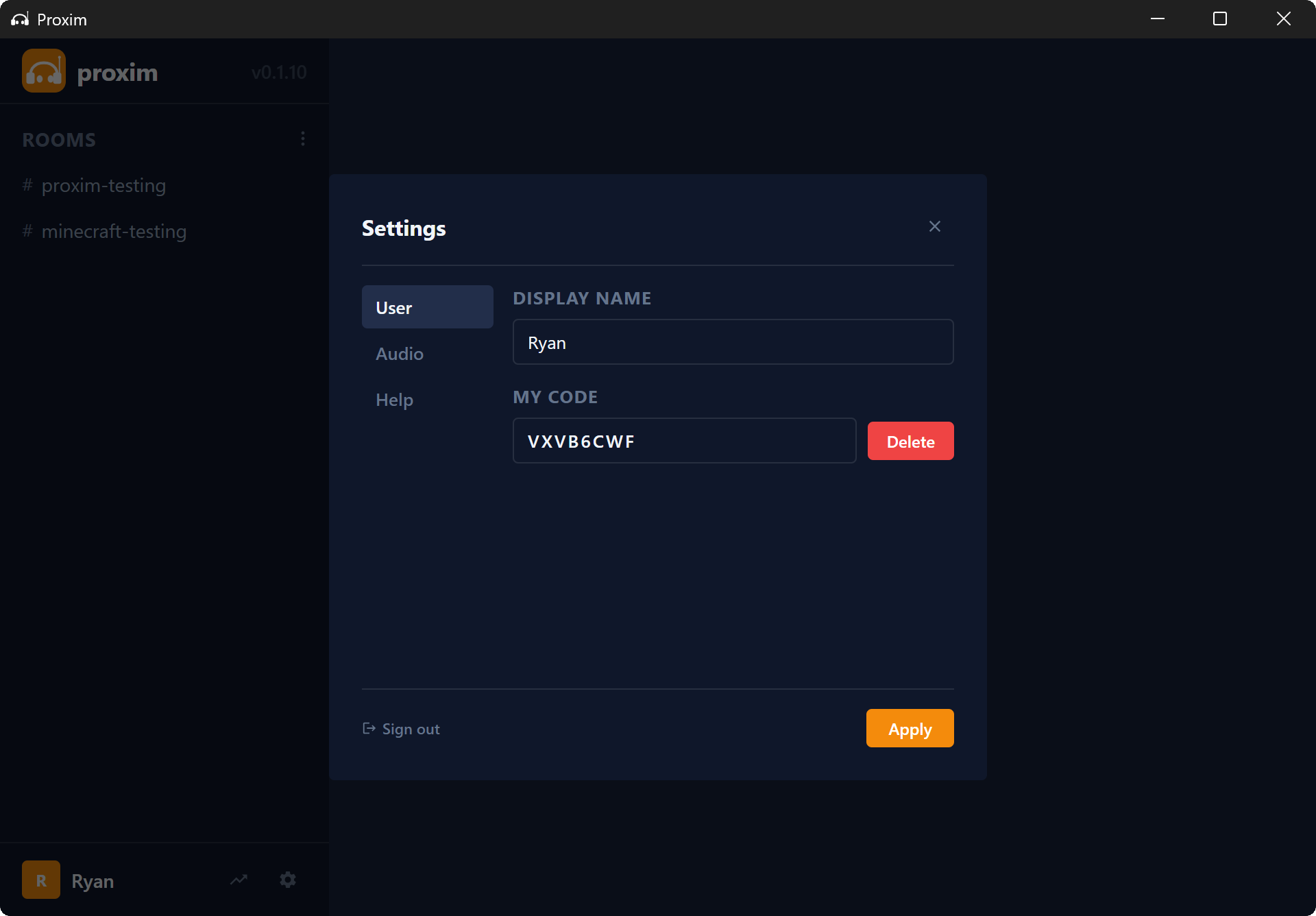
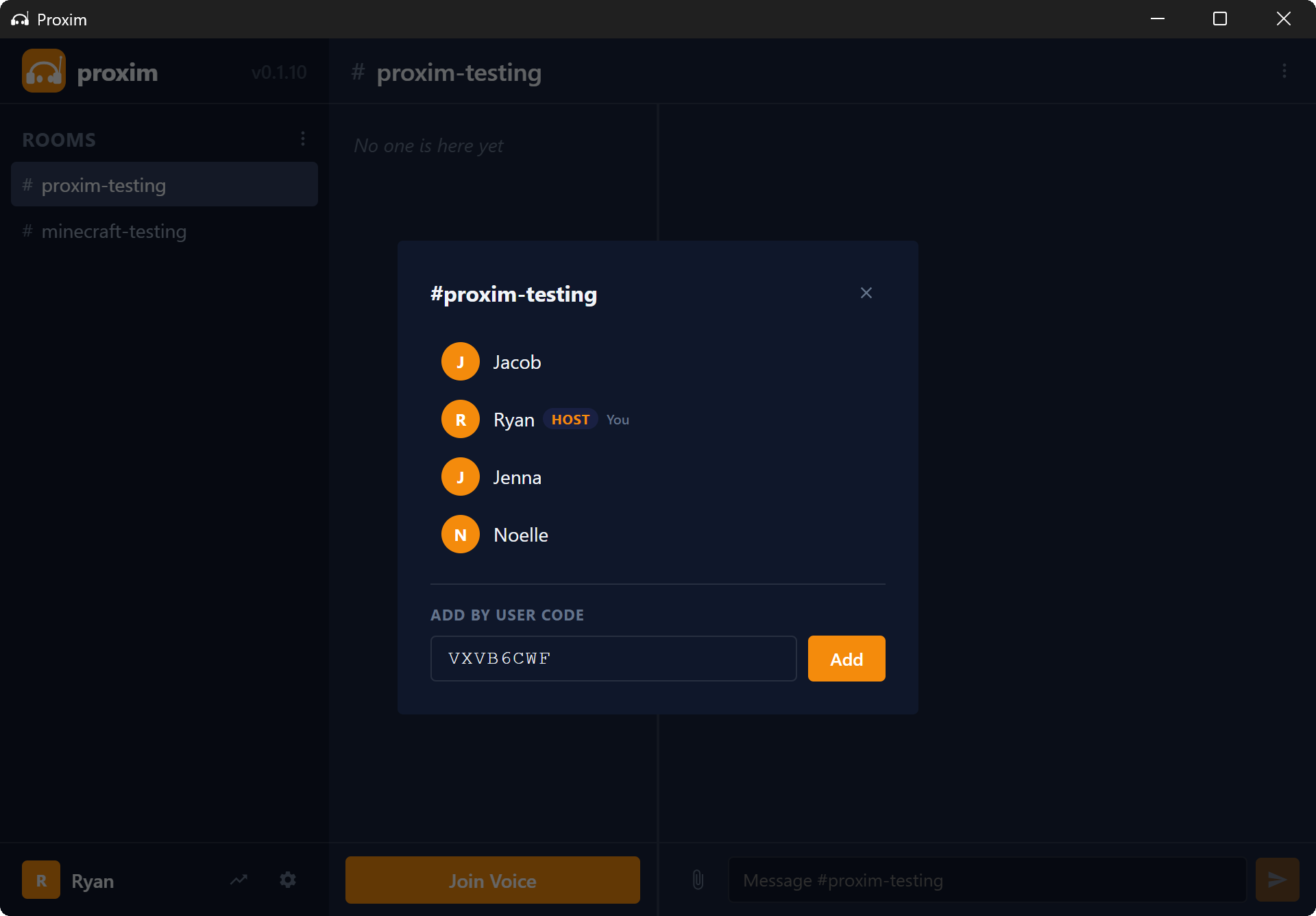
Open it to set up, share a join code, and tweak your audio — then forget

~/Proxim
[ screenshot ]
[ real product screenshots drop in here ]
Who it's for

Built with developers, used with friends.

Games need to integrate Proxim to use it. Built for small peer-to-peer multiplayer games (4–12 players) — not dedicated-server titles. Early focus is on developers and modders; the more games speak the protocol, the more useful it gets.

For developers & modders Early focus

A peer connection you can borrow.

Add proximity chat and P2P signalling to your game without all the infrastructure. Built for small peer-to-peer lobbies (4–12 players) — not dedicated-server titles. MIT-licensed SDK, open protocol, no lock-in. Godot plugin today, Unity on the roadmap.

  • Peer-to-peer, 4–12 players
  • MIT-licensed SDK
  • No backend required
Read the docs →
For players

Small app. Full group.

Install it, sign in, share a join code. Proxim stays in the system tray until you need it. No 400 MB background process.

  • System-tray companion
  • Audio set up before the game starts
  • Free for now
How it works →
For developers

How the packets actually flow.

Two common shapes — voice + data relay, and a WebRTC handoff for direct game-to-game. Proxim handles the handshake either way.

Game → Proxim → Proxim → Game
Proximity voice + game data relay
Games handshake, then talk directly
WebRTC handoff for direct multiplayer
For players

Three steps. Under a minute.

install → sign in → share
01
Install Proxim
Proxim-0.4.2-setup.exe · 28 MB
installing… 68%
cancel continue
Install
Grab the Windows installer. Small download, installs in a couple of seconds.
02
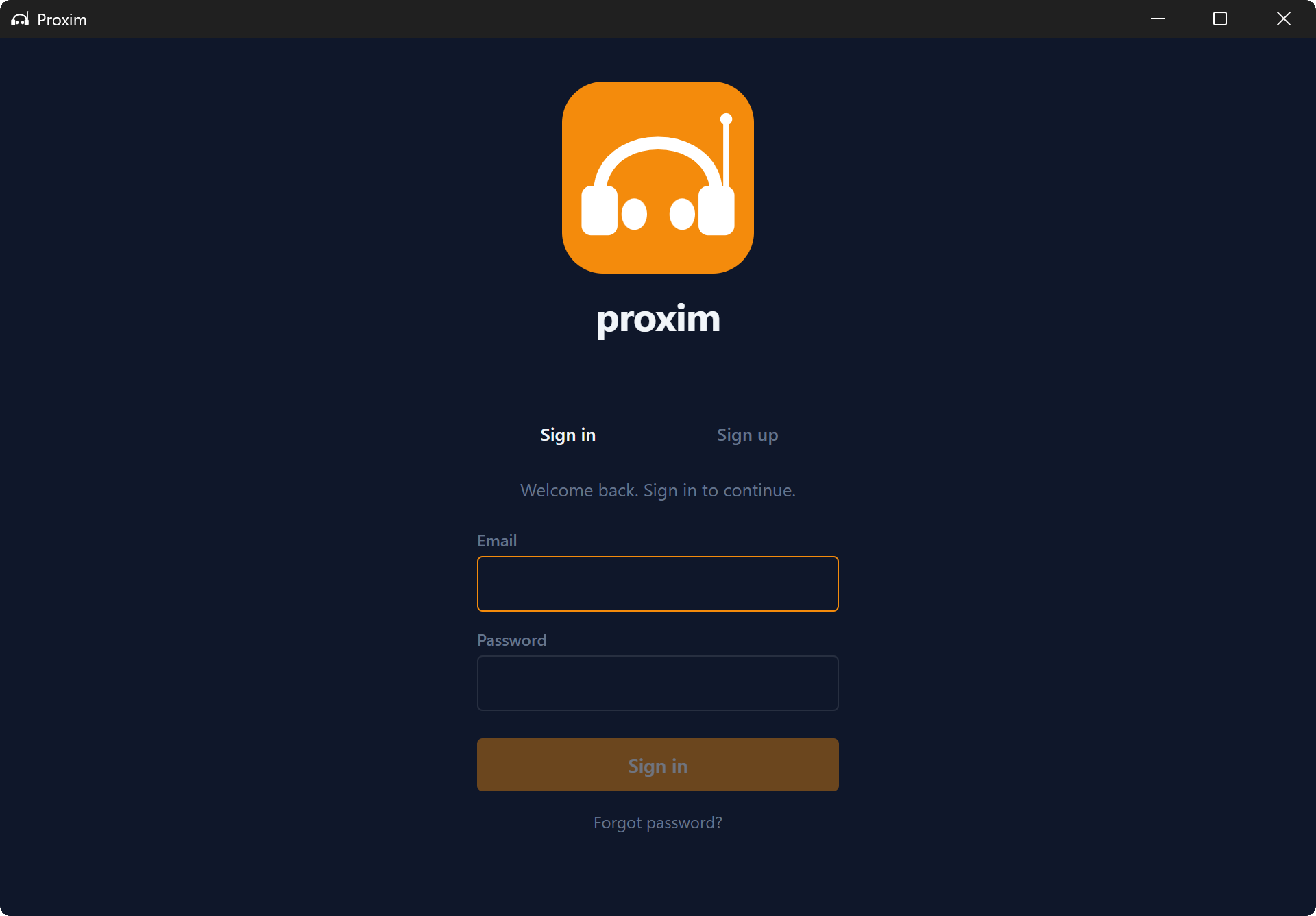
Welcome to Proxim
Sign in to start a room
Continue
Sign in
All you need is an email to get started.
03
Friday night
Join code
AXGB3FF9
Share with your friends. Anyone with this code can join the room.
Share your join code
Generate your player code and share it with friends to add you to their room.
Who's building this

Made by one developer in the open.

I'm a solo developer building Proxim nights and weekends. The SDK is MIT-licensed and the installer source is on GitHub. If you hit a bug, file an issue — I'll read every one. Excited to see what happens next!

R
Ryan Remer
@RyanRemer · maker
?k GitHub stars
? Commits
? Alpha testers
MIT SDK license
Last commit · 2d ago · v0.4.2

Try it with your friends tonight.

Free for now. Windows only for now.